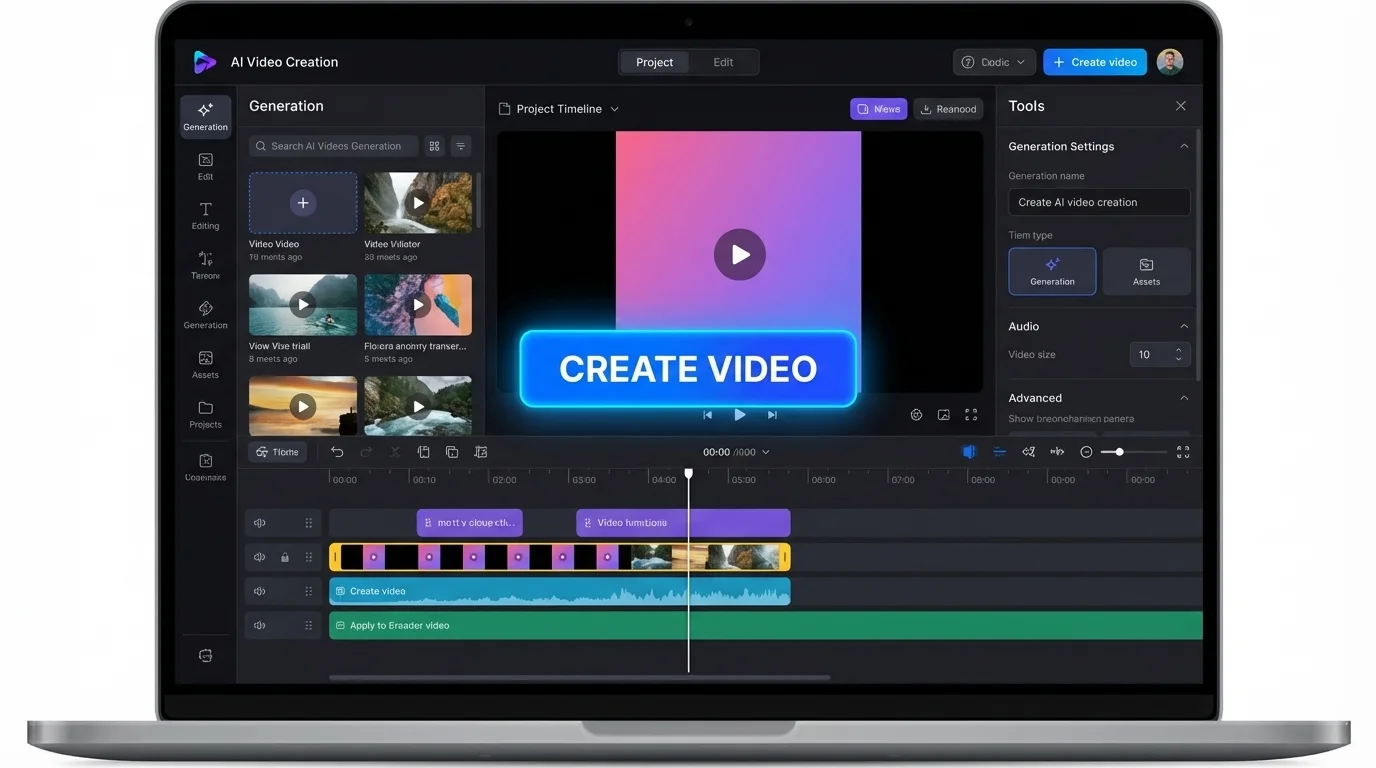
Bring your best ideas to life with an AI video generator

Turn text prompts into stunning clips in just one click. Add cinematic visuals and synchronized audio β€” including dialogue and sound effects β€” into any project with Make AI Video.

Describe your video
110/2500
AI generated video preview
10M+
Clips Created
180+
Countries
4.8/5
Average Rating
Product Hunt #1 Product of the Day
4.8 on G2
4.7 on Capterra
4.9 on Trustpilot
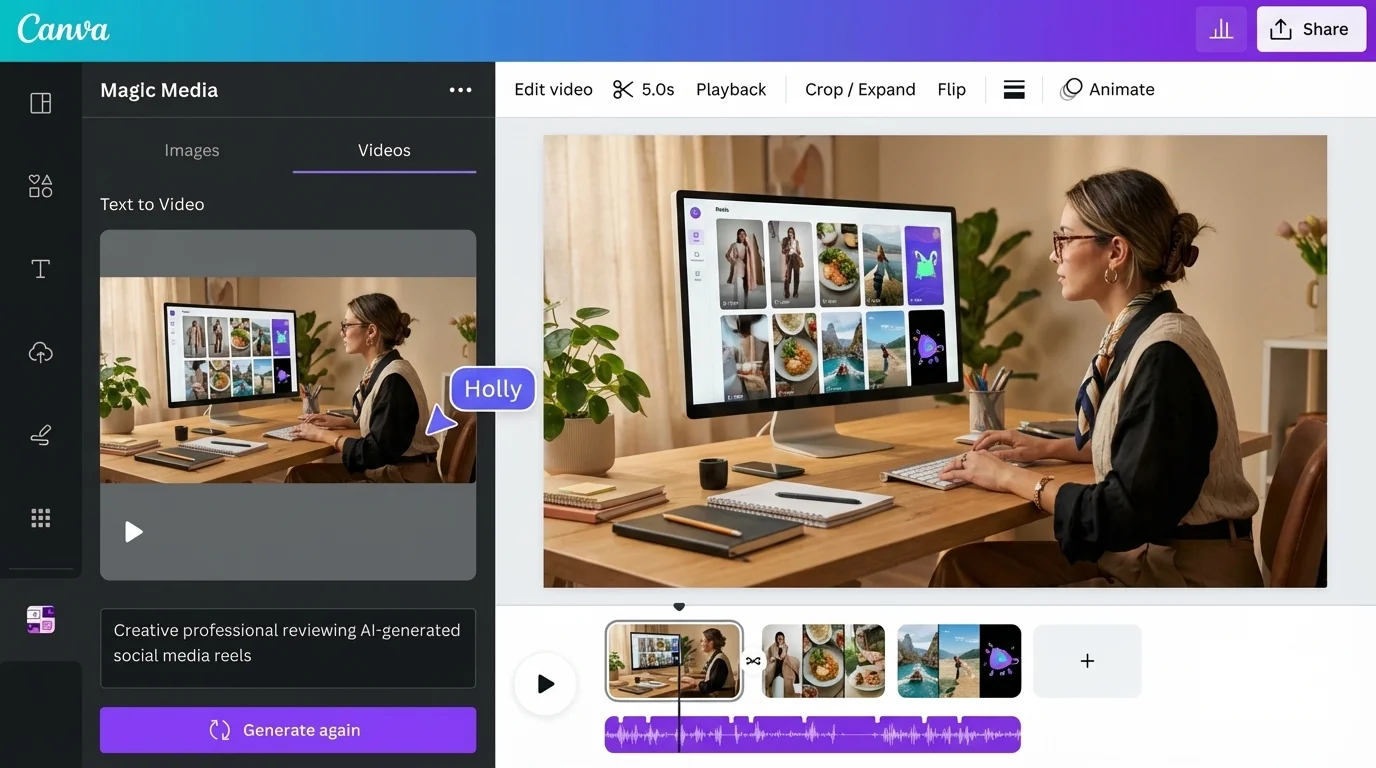
Turn ideas into cinematic footage with an AI video generator

Magically turn ideas into footage

Skip hours of searching, sketching, or rendering. Use Make AI Video to instantly generate a polished clip from text -- complete with synchronized audio, including dialogue and sound effects. Whether you're visualizing a product, sketching out a creative concept, or pushing the limits of what's possible, bring your ideas to life exactly as you imagine them.
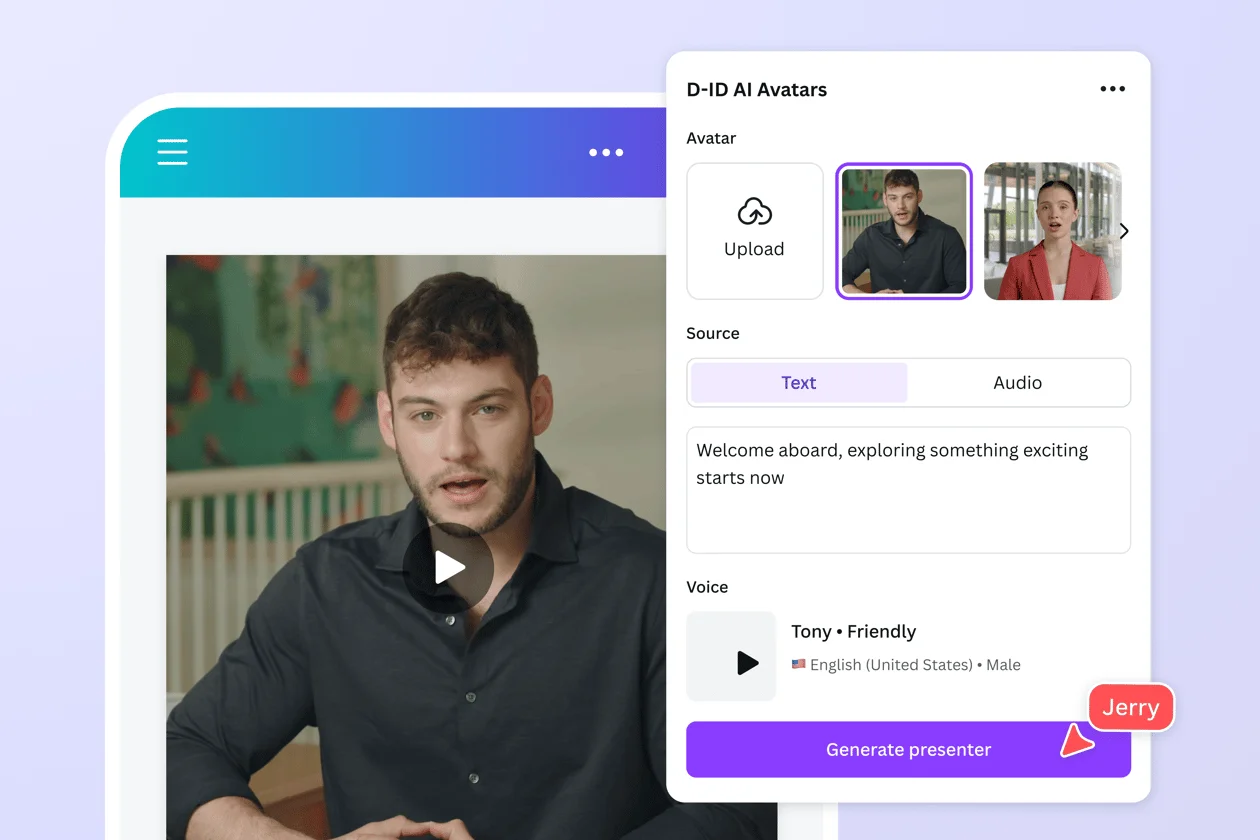
Upload or choose an avatar, add your script, and choose a voice

Engage your audience with talking heads

No need to go in front of the camera with our video generator. The tool turns your photo or selfie into a talking head, or you can pick an available avatar. Have your presenter deliver a script in over 40 languages, or upload a voice recording.

Generate Avatars
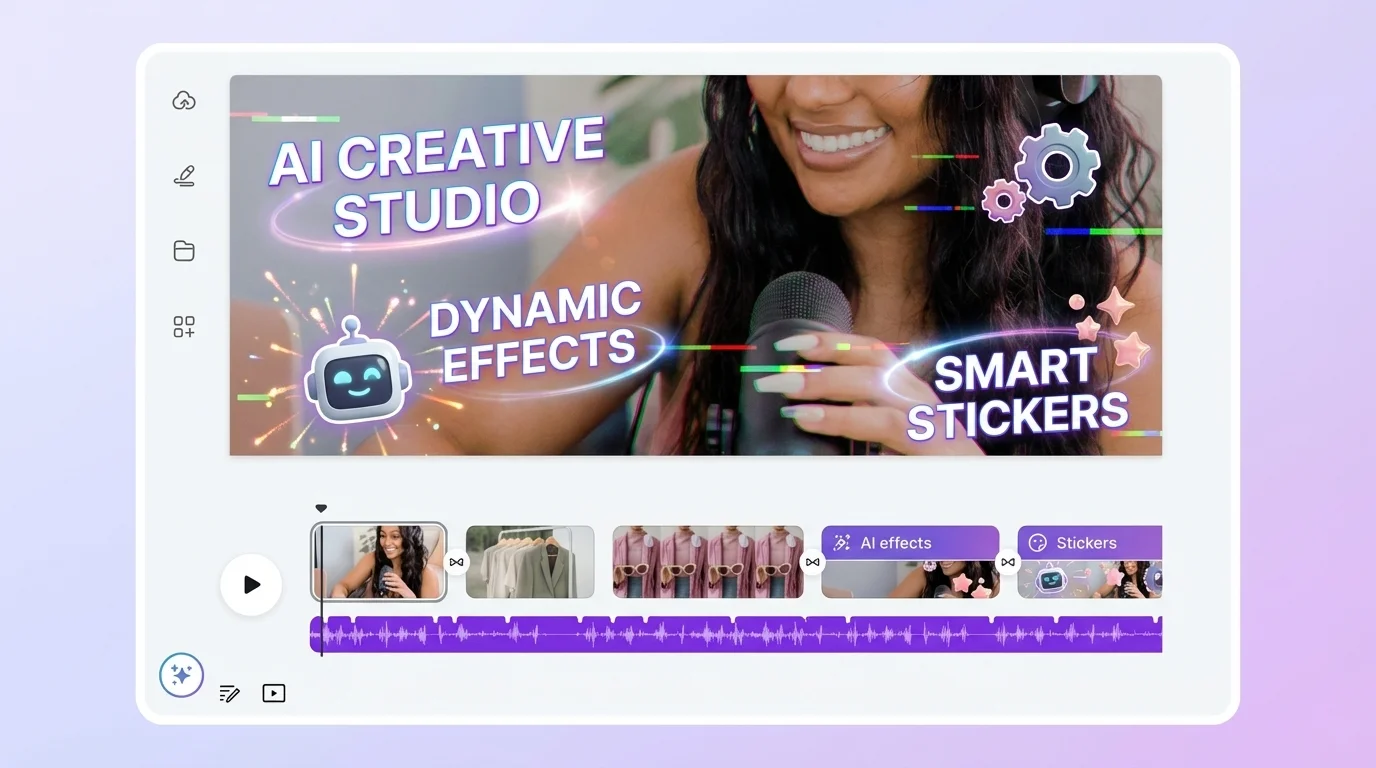
Add animations to your generated clip

Supercharge your content with impactful visuals

Produce more dynamic clips with visuals and effects. Access pre-made templates, stickers, and graphics from our curated media library. Create original animations for any element to bring movement to your reels. Let your creativity run free with the text-to-footage generator on Make AI Video.
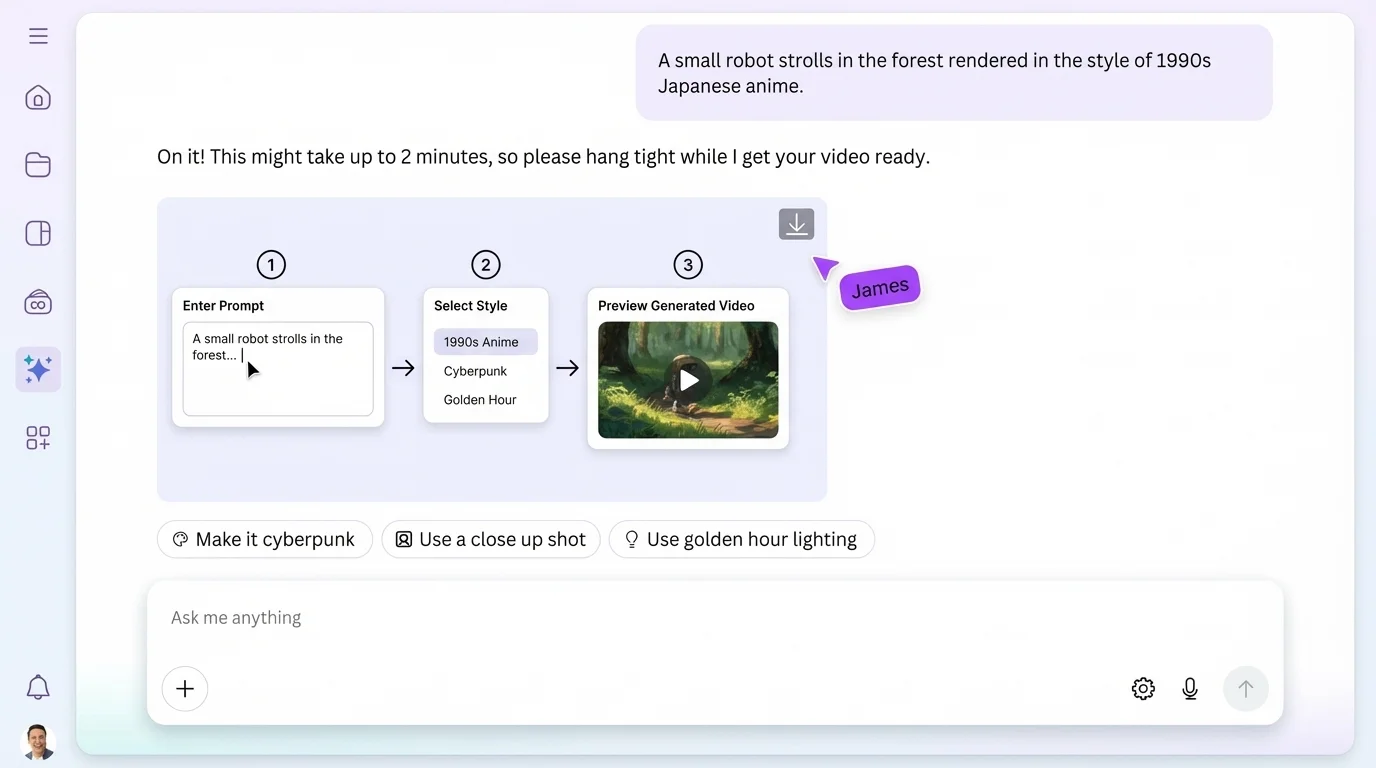
How to use the AI video generator to create footage

How to create content with the video generator

Open Make AI Video
Head to make-ai-video.com in your browser to start generating footage right away -- from the homepage or directly in the editor.
Launch the AI video generator
From the homepage, select "Create Clip" and choose your format to get started. If you're customizing a template in the editor, open the Design tab, type in your prompt, and hit "Generate."
Generate your clip
Write your text prompt to produce a clip for up to eight seconds. Include your preferred style, framing, and lighting -- the more detailed your prompt is, the better.
Customize the result
Add stickers, graphics, and other elements from our library. Explore our editing tools and trim, rotate, or crop clips as needed. You can also apply transitions or filters.
Present, download, or share
Once you're satisfied with your work, download it as a high-resolution MP4 file. Share your content via social media or email. Or, present it directly from the editor.

Start with a template

Pre-built workflows to get you creating faster

Product Spin Clip
360-degree product rotation with dynamic lighting and clean background
Social Media Reel
Vertical content optimized for Instagram, TikTok, and YouTube Shorts
Explainer Clip
Animated walkthrough with voiceover, perfect for tutorials and onboarding
Animated Story
Narrative-driven animation with scene transitions and character dialogue
Ad Creative
Attention-grabbing ad footage with CTA overlays for paid campaigns
Training Module
Educational content with slides, presenter avatar, and quiz transitions
Browse all templates

Frequently Asked Questions

An AI video generator is a tool that produces clips from descriptions using artificial intelligence. These text-to-footage generators use machine learning to create or enhance content from prompts inputted by users. AI video generation helps craft high-quality footage without the need for expensive equipment, actors, or even editing skills.
Make AI Video's text-to-clip generator can effortlessly produce high-quality, cinematic footage with synchronized sound, making it one of the best video generators available. Just type your script and instantly generate platform-ready content with synchronized audio for a cinematic, lifelike effect.
With Make AI Video, you can use your text prompt to generate a 16:9 clip for up to eight seconds, with synchronized audio -- that includes dialogue, sound design, and even music. One clip is generated per prompt. After generation, just add your footage to a project for further customization in the editor.
Yes, Make AI Video is completely free to use. You can create AI-generated clips at no cost. The AI video generator lets you produce stunning content without any subscription required.
Yes, you can use generated clips for any purpose, including personal or commercial projects, as long as you follow our Terms of Use. Keep in mind that if you're going to use the output for commercial projects, you may not have exclusive rights to your generated content.
Our values define how we build our products, treat our community, and impact the world. We want to ensure our community feels safe when creating and interacting with content on our platform. To promote responsible use, we've implemented various measures, including automated reviews of input prompts for terms that might generate inappropriate content.

Loved by creators worldwide

Join millions of creators producing content with this AI video generator

This tool is incredible! I was able to create a professional-looking clip in minutes. It understands exactly what I need and the results are stunning every time.

SC
Sarah Chen
Content Creator, 120K followers

We replaced our entire production pipeline with Make AI Video. What used to take our team a week now takes an afternoon. The ROI is unbelievable.

MR
Marcus Rivera
Head of Marketing, ScaleUp Inc.

As a freelance designer, this has become my secret weapon. I can pitch concepts to clients with actual generated previews instead of static mockups. Game changer.

AK
Aisha Kowalski
Freelance Creative Director